Restore a Deleted Test Assignment
To restore a deleted test assignment:
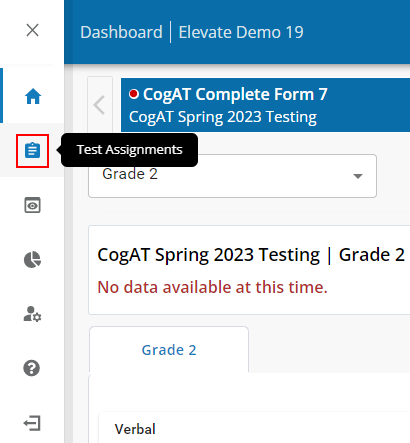
Click the Test Assignment icon in the Navigation Menu.
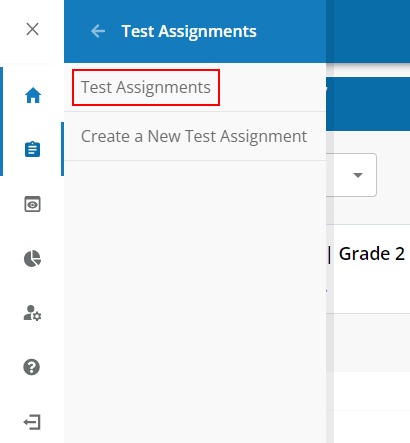
Click the Test Assignments link in the sub-menu.
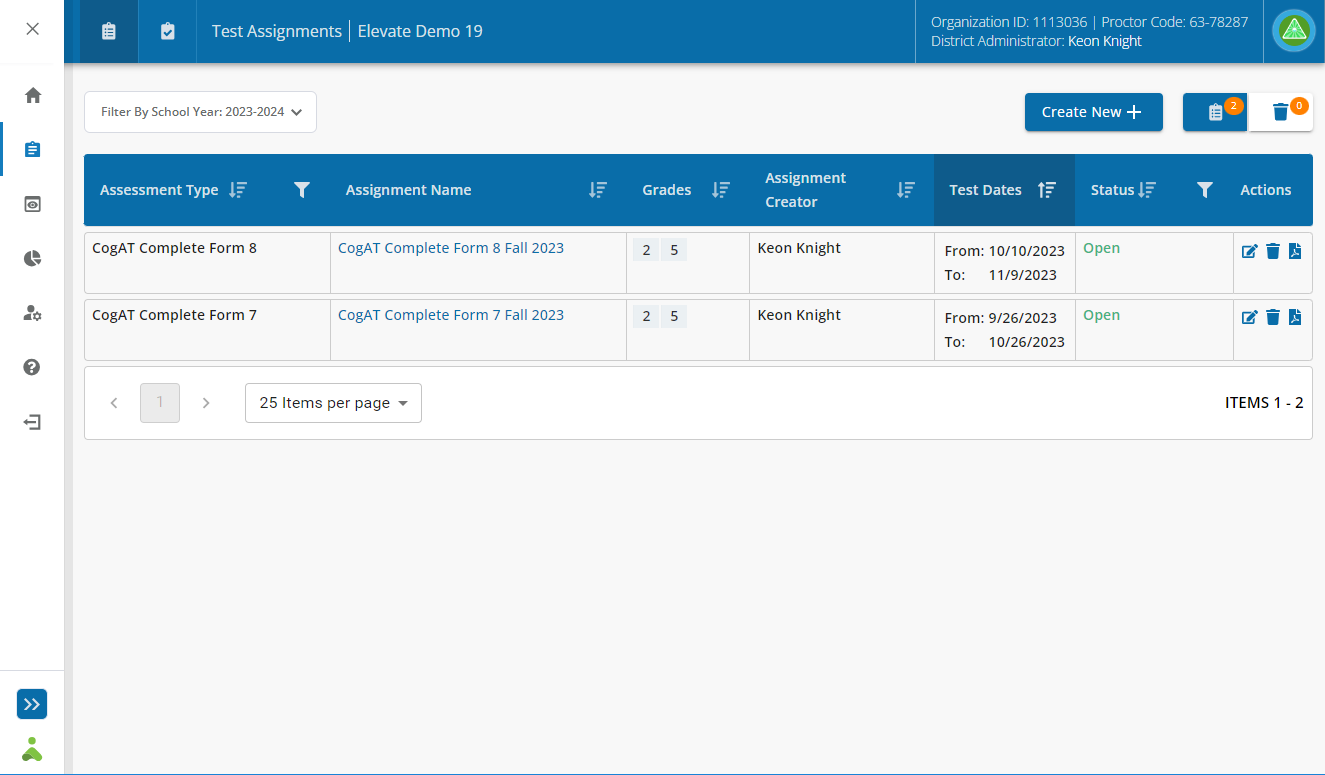
The Test Assignments dashboard displays:
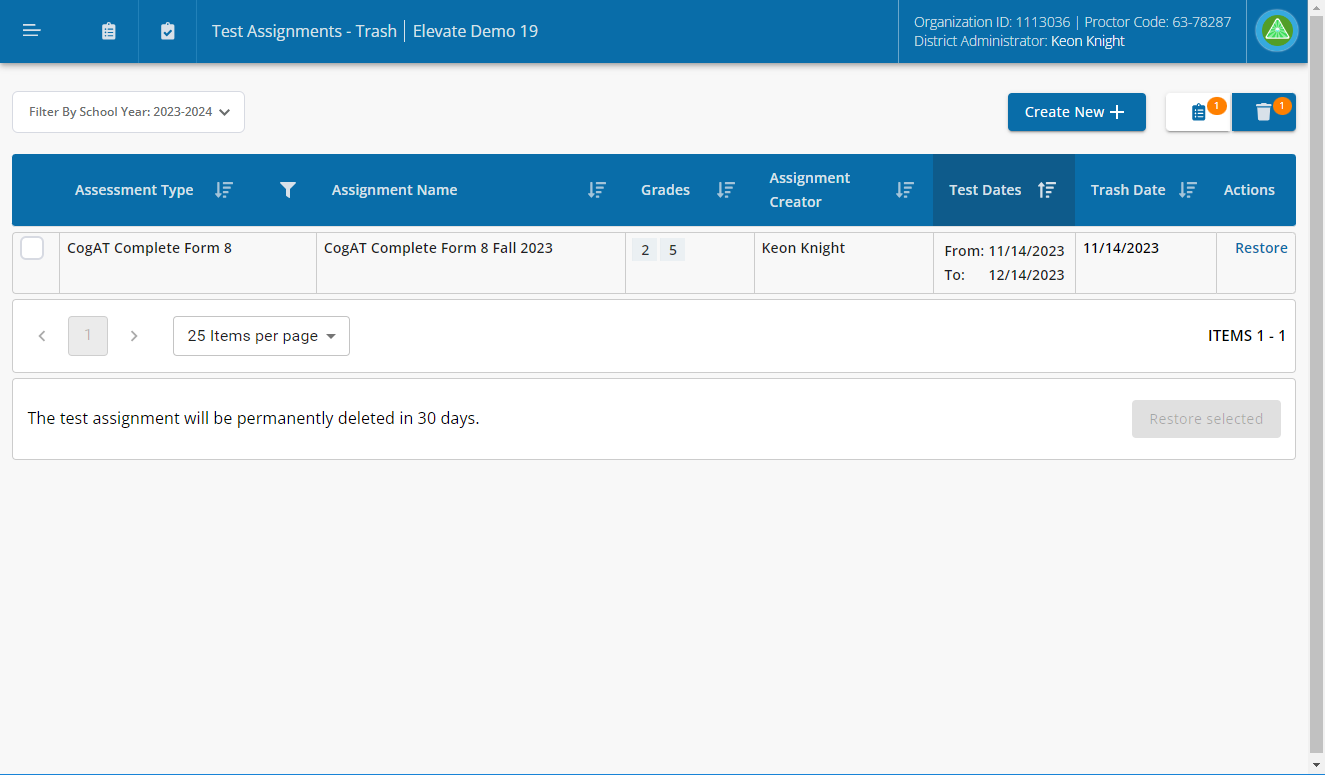
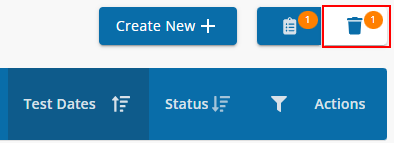
Click the Trash button on the Test Assignments dashboard to display a list of deleted test assignments.
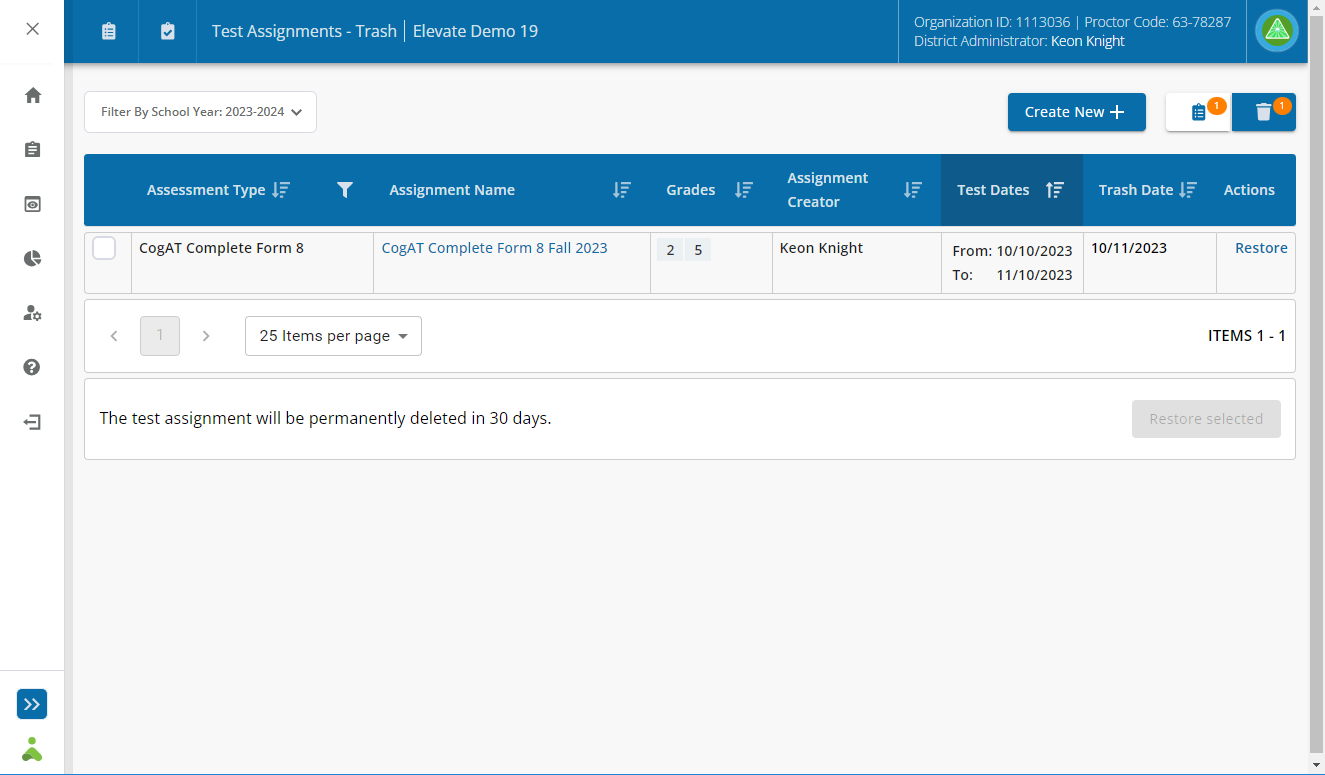
The test assignment list displays deleted test assignments:
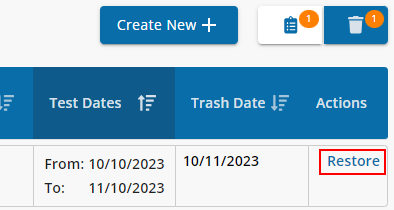
Click the Restore link in the Actions column.
Click the Go to Test Assignment List button to confirm and restore the test assignment.
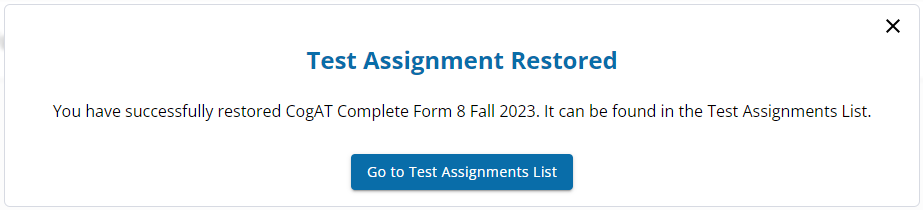
The test assignment list displays the restored test assignment.